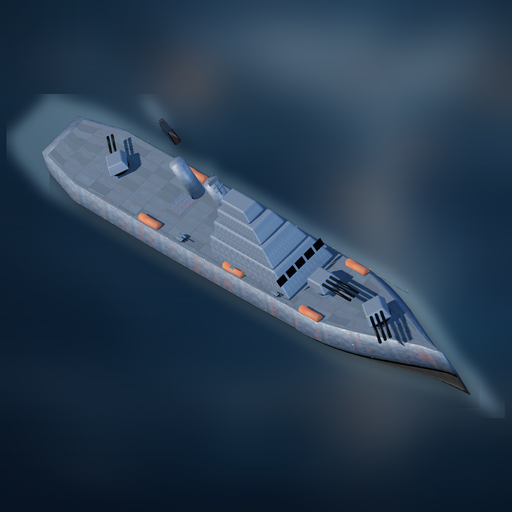
Play battleship online with friends — a private duel
In Ballistic Duel, two friends can fight from separate phones or computers. Find each other by callsign, accept the friend request and invite your opponent to a private battle. Here is the route from opening the game to placing your fleet.
Play Sea Battle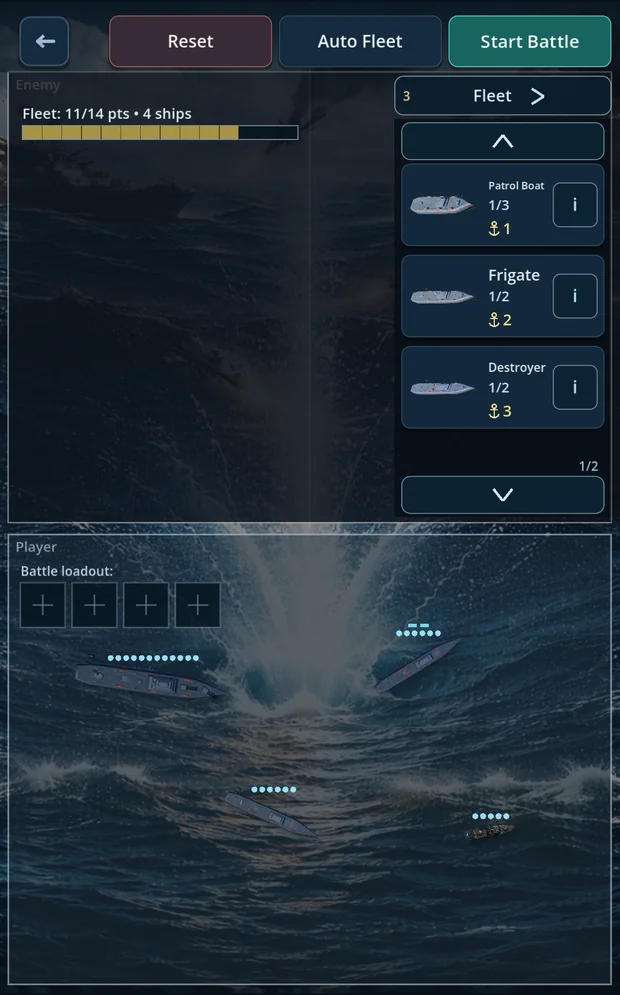
Start in three steps
- Open the game on two devices: phones and computers can play together.
- Find the other player by their full callsign and accept the friend request.
- Send a battle invitation, accept it and place your fleets.
What both players need
Each player needs a device with a browser and an internet connection. Two computers, two phones or a phone and a computer can join the same duel. Open seabattle.online and launch the game on both devices. A guest account is created when you first enter; email registration is not required before your first battle.
This is a network game with a separate view for each opponent. Passing one phone between turns is not supported. Keep both game tabs open while arranging the match.
Find a friend by callsign
Check your callsign in your profile and share it with your friend. Open the friends section, enter the other player's callsign and send a friend request. The recipient needs to accept the incoming request before you can use the friend list to arrange a duel.
Check the complete spelling, including any digits. A pending request is not the same as an accepted friendship. You do not need to share a password, email login code or access to your account.
Invite your opponent to battle
Select your friend in the list and send a battle invitation. The other player accepts it, then both proceed to fleet placement. Use this route to fight a specific person: the general online queue is for finding an opponent, rather than choosing your friend.
If an invitation goes unanswered, ask the recipient to return to the game. Finish any existing battle before trying again. Wait for the previous invitation to end before sending another.
Make the first match useful
If either player is new, try the tutorial or a bot battle first. Learn to select a ship, choose a weapon and drag back to aim. A private duel is easier to enjoy once both players can place a fleet and make a deliberate shot.
After the match, compare one decision each: a ship that was exposed, a missed shot or a weapon used at the wrong moment. Change one thing in the next duel so you can tell whether it helped.
Aiming instead of calling grid coordinates
This game uses ballistic aiming rather than the coordinate calls of paper battleship. You select a ship and weapon, pull back and release. Direction, power and the weapon's behaviour affect where the attack goes, while hits damage sections of a hull.
Knowing your friend's usual fleet is only part of the challenge. You still need to adjust shots and choose useful attacks as the battle develops.
Quick answers
Can a phone play against a computer?
Yes. Both players open the game in their own browser and join the private duel through an invitation.
Can we share one phone?
Private network duels need two devices. There is no pass-and-play mode on one screen.
Do I need to share my password?
No. Share your callsign to find each other; keep your login details private.